
App Store Screenshots for Food Delivery & Restaurant Apps
Food apps sell craving and convenience. The moment a hungry user sees your listing, your App Store screenshots need to make their mouth water and promise food fast. AppMockup helps you create appetizing, conversion-focused food screenshots that turn hunger into orders.
No credit card required3 free screenshotsNo watermarks
Before & After — Food Delivery Screenshots
See how raw screenshots become store-ready food delivery marketing assets
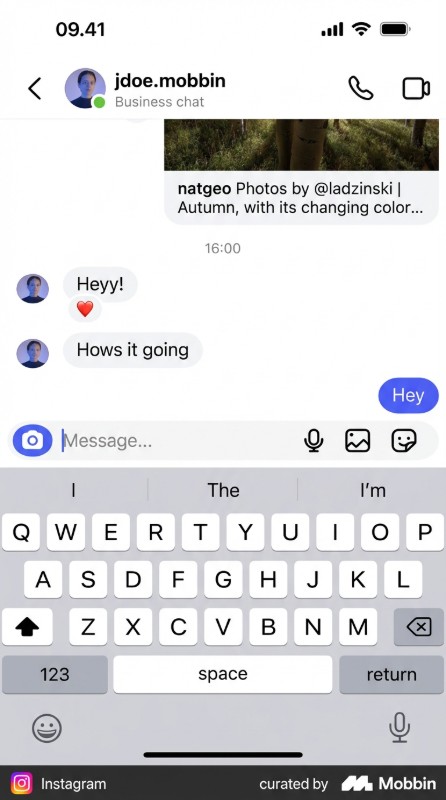
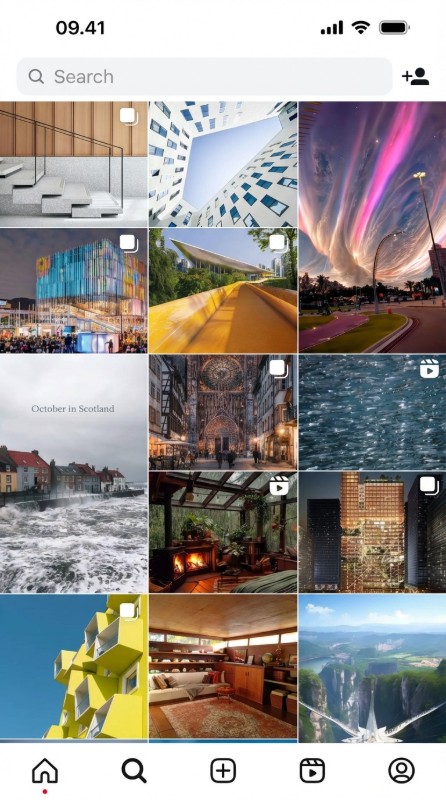
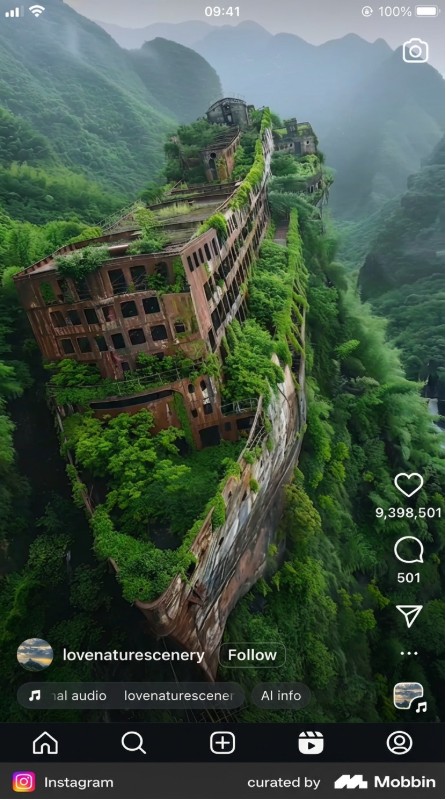
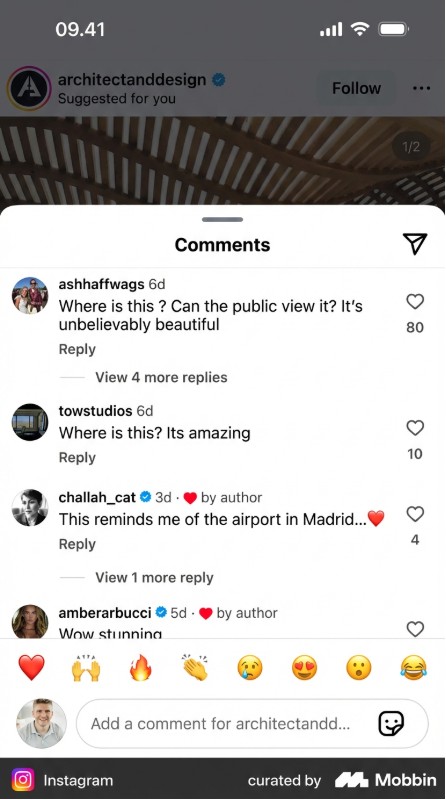
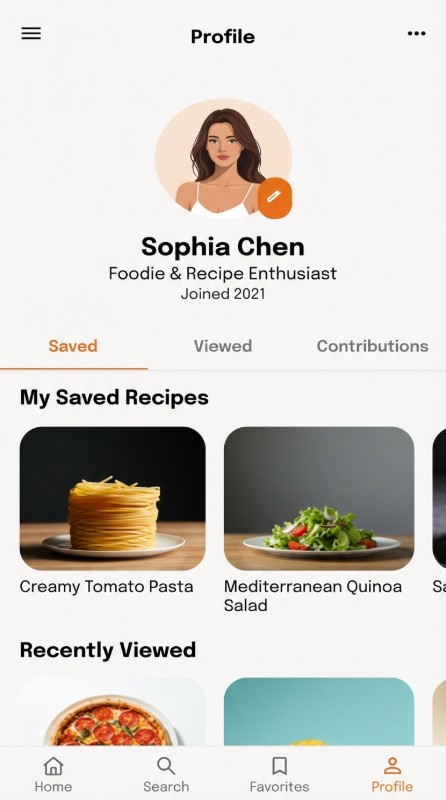
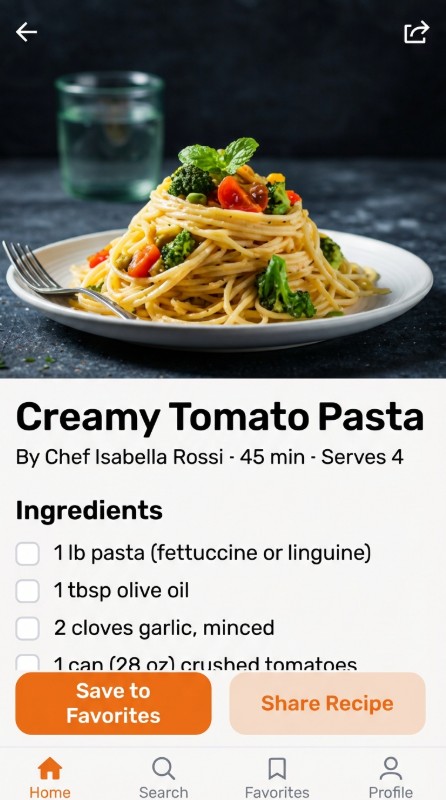
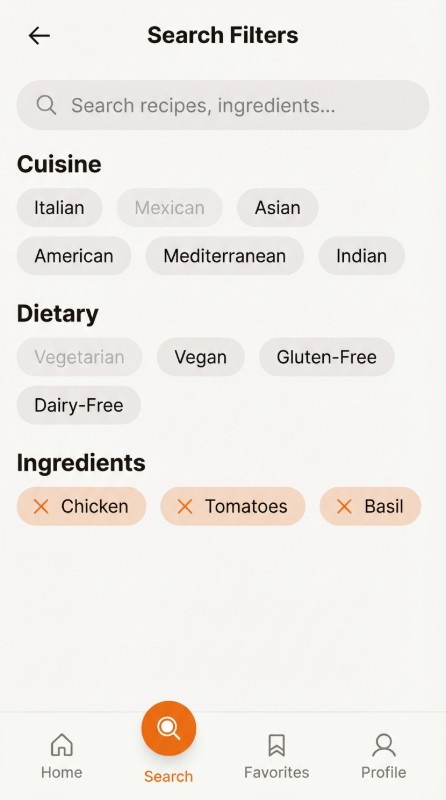
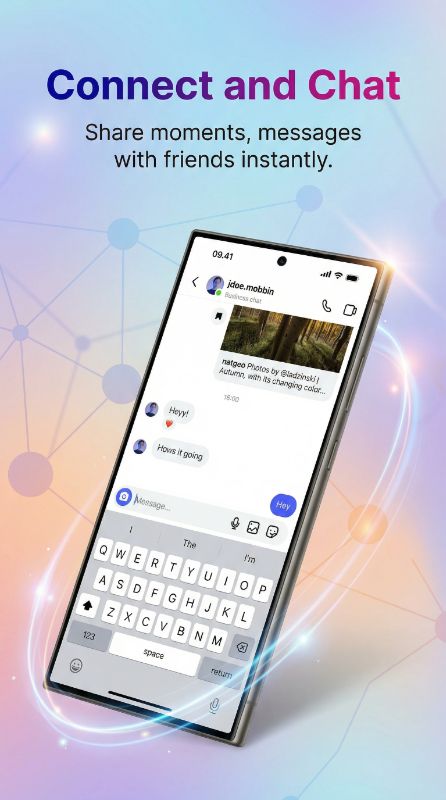
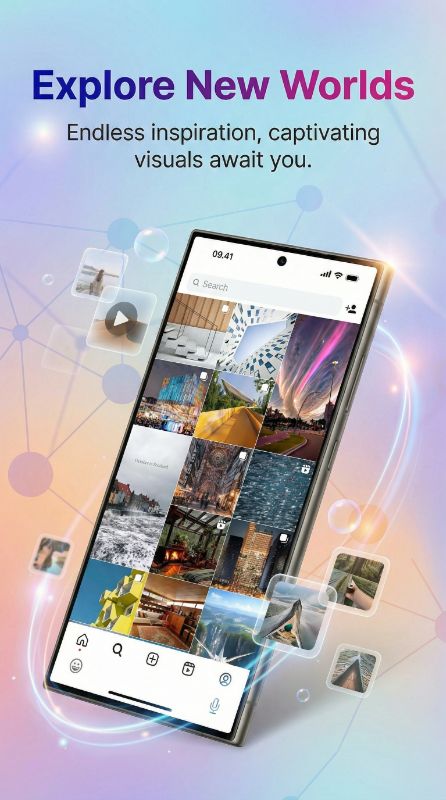
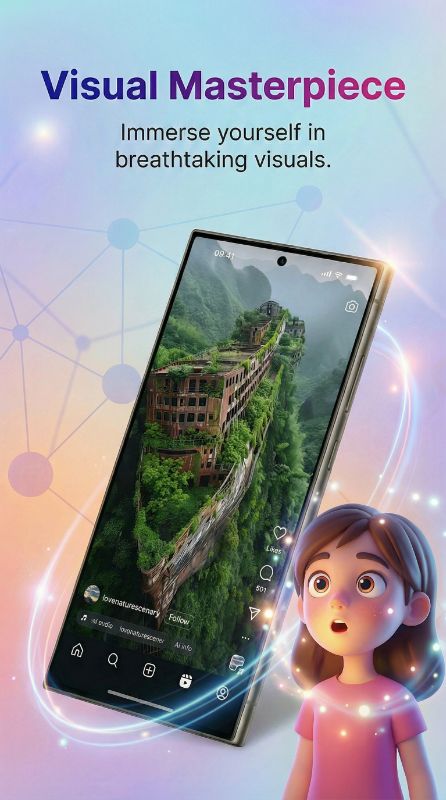
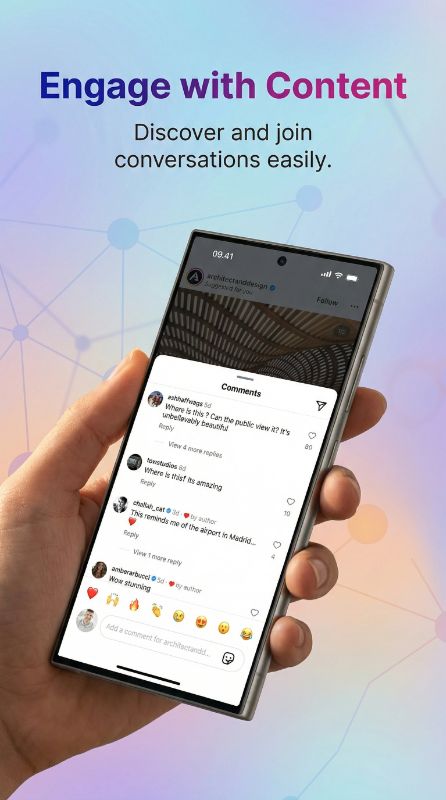
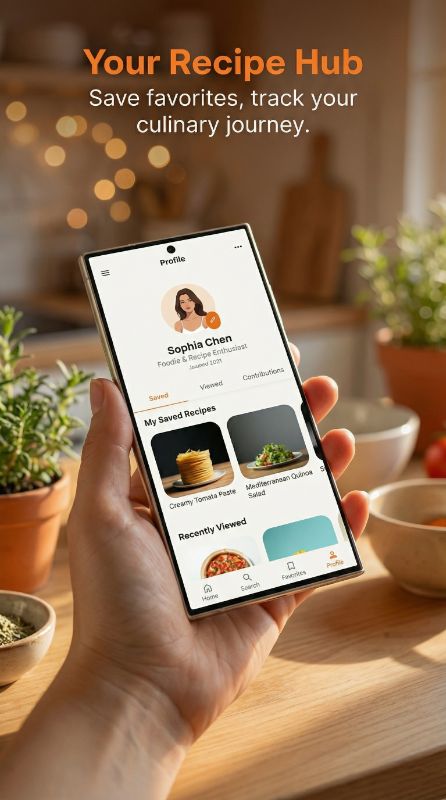
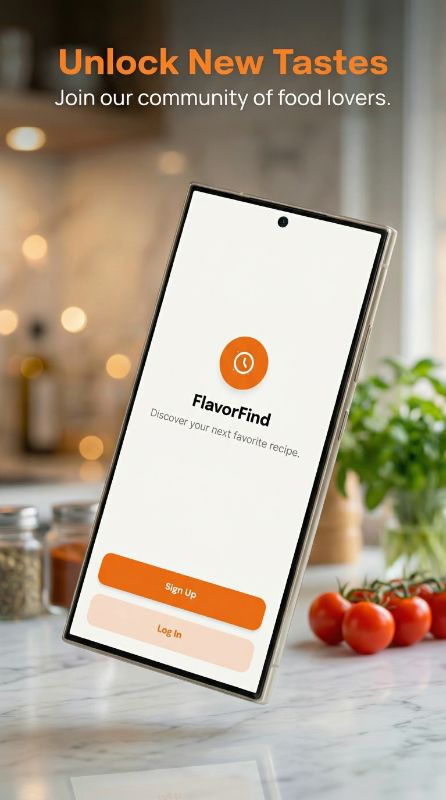
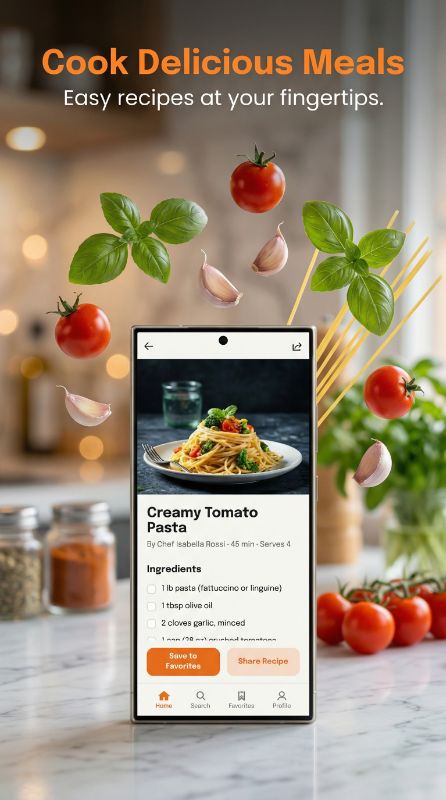
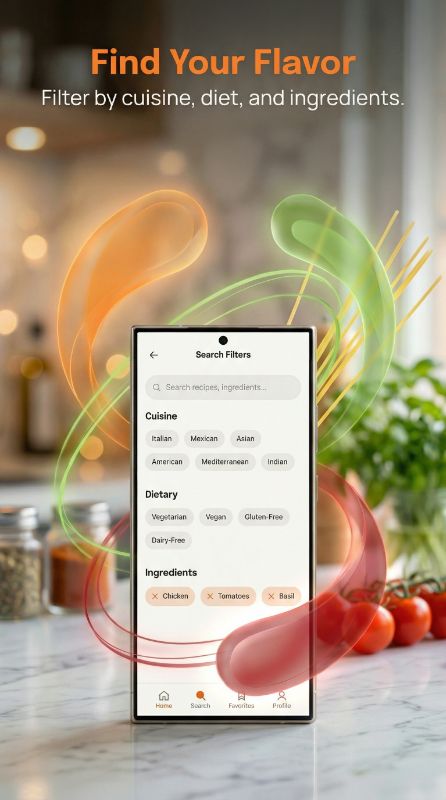
How to Design Food Delivery App Screenshots That Convert
Lead with the food, then the speed. The best food listings open with rich, appetizing imagery and a hook about convenience ("Your favorites, delivered in 30 minutes"), then show the simple order flow: browse, order, track. Highlight selection (cuisines, restaurants), speed, and any deal or free-delivery offer, since price and time drive this category. Live order tracking is a strong trust screen. Keep the food the hero — UI supports it, never the other way around.
What Top Food Delivery Apps Do in Their Screenshots
Top food apps make appetizing food the hero, then show speed, selection, and order tracking — convenience and craving lead, UI supports.


Leads with rich food imagery plus delivery speed and the breadth of nearby restaurants.


Surfaces DashPass value and deals early, then live order tracking for reassurance.


Pairs its bold teal brand color with mouth-watering photography so food dominates the frame.
Want screenshots like these for your food delivery app?
You don't need a designer to match this quality. Paste any App Store link into AppMockup and our AI recreates that polished style — device frames, backgrounds, and marketing copy — for your own screenshots in minutes.
Screenshots shown are from each app's public App Store listing and remain © their respective owners, displayed here for educational analysis.
Hybrid
Food must be the hero, so use full-bleed appetizing imagery for impact, combined with device-framed screens that show how fast and simple ordering is. Pair craving with convenience.
Palette that fits food delivery
Warm, appetizing tones — reds, oranges, and yellows — stimulate appetite (it is why fast-food brands use them). Pair with clean white space so the food photography pops.
Why Food Delivery Teams Use AppMockup
Everything you need to ship a high-converting food delivery store listing — without a designer.
Ready in 2 minutes
Turn raw food delivery app screens into polished store assets in minutes, not hours of design work.
Store-compliant sizes
Exports the exact App Store and Play Store dimensions automatically, so your listing never gets rejected for size.
AI titles & backgrounds
AI writes food delivery-appropriate headlines and generates on-brand backgrounds tailored to your screens.
Headline Angles That Work for Food Delivery Apps
- 1Speed: "Delivered in 30 minutes"
- 2Selection: "Every restaurant you love"
- 3Deal: "Free delivery on your first order"
- 4Craving: "Dinner, sorted"
Food Delivery Apps to Study for Inspiration
Top food delivery apps that set the bar for App Store and Play Store screenshots.
Rated by Real AppMockup Users
4.6from 182 user ratingsReal ratings from real usersAverage of 182 in-app ratings from signed-in AppMockup users, collected by our in-app feedback prompt as of November 2026. Every rating counts, including low ones: 5★ 143 · 4★ 20 · 3★ 9 · 2★ 5 · 1★ 5.Food Delivery App Screenshot FAQ
What should a food delivery app screenshot show first?
Appetizing food imagery paired with a convenience hook like "delivered in 30 minutes." Food is the hero; the order flow and tracking come on later screens.
What colors work for food app screenshots?
Warm reds, oranges, and yellows stimulate appetite, which is why fast-food brands use them. Pair them with clean white space so the food photography stands out.
Should I show delivery time and deals in screenshots?
Yes. Speed and price drive this category, so feature delivery time, free-delivery offers, and live order tracking on dedicated screens to build trust and urgency.
How does AppMockup generate app screenshots?
Upload your raw app screenshot and our AI adds the right device frame, a professional background, and marketing copy, then exports a store-ready image. Most mockups are done in under two minutes — no design skills or Figma needed.
Is AppMockup free to use?
Yes. New users get 3 free credits with no credit card and no watermark. Paid plans start at $9.99/month for 25 screenshots, and unused credits roll over for up to 2 months. Cancel anytime.
What sizes does it export for the App Store and Play Store?
AppMockup outputs the correct dimensions automatically — the iPhone 6.9" Large Display (1290×2796) and 6.3" Medium Display (1206×2622), 13" iPad (2048×2732), and iPhone Duo inner + outer displays for the App Store, and 9:16 portrait for Google Play. You never have to look up specs.
Can I edit a screenshot after it is generated?
Yes. You can swap the device frame and download for free. AI-powered changes such as new titles, subtitles, or backgrounds cost 1 credit each because the image is fully regenerated.
Does it support iPhone, iPad and Android devices?
Yes. AppMockup supports the latest iPhone and iPad frames plus Android devices like Samsung Galaxy and Google Pixel, and it can convert iPhone mockups to iPad in one click.
Can I match another app’s screenshot style?
Yes. Paste any App Store or Play Store link and the AI fetches that app’s screenshots, analyzes the colors and layout, and applies the same style to yours.
Start with your platform
Related app categories
Generate for specific devices
Create Food Delivery App Screenshots in Minutes
Upload your raw screenshots and let AI generate store-ready food delivery marketing assets — no design skills needed.