
App Store Screenshots for Mobile Games
Games are the most competitive category on both stores, and screenshots are your trailer. Players decide in a heartbeat based on art, energy, and the promise of fun. AppMockup helps you turn raw gameplay captures into polished, key-art-style store screenshots that stop the scroll and earn the tap.
No credit card required3 free screenshotsNo watermarks
Before & After — Games Screenshots
See how raw screenshots become store-ready games marketing assets
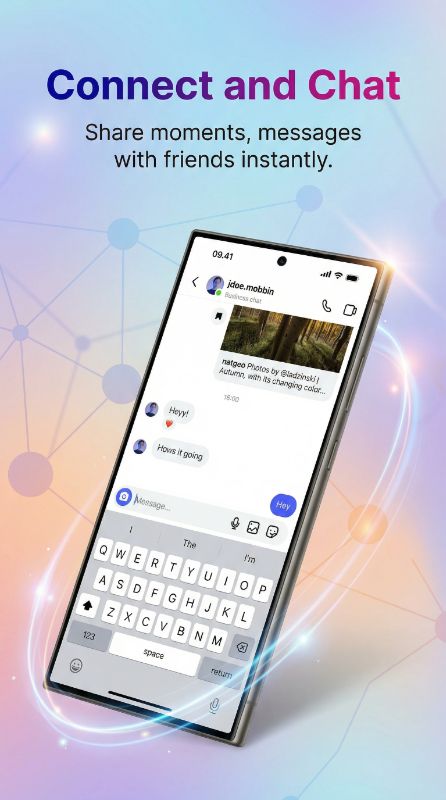
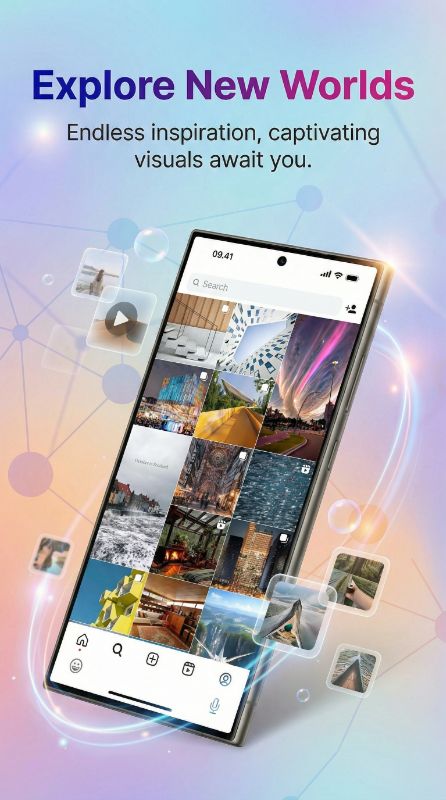
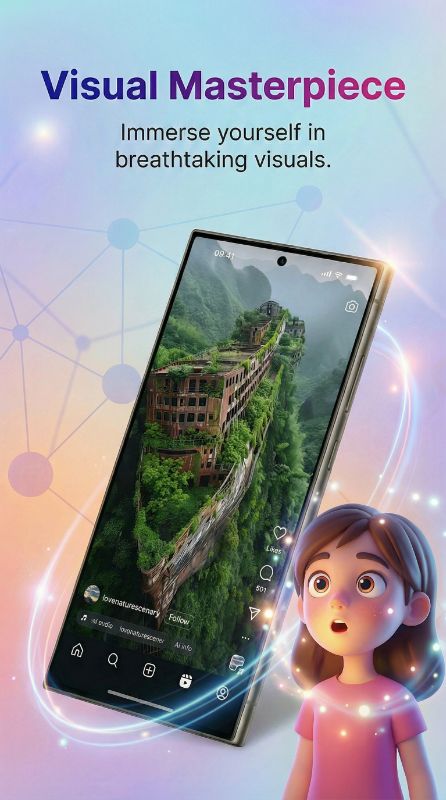
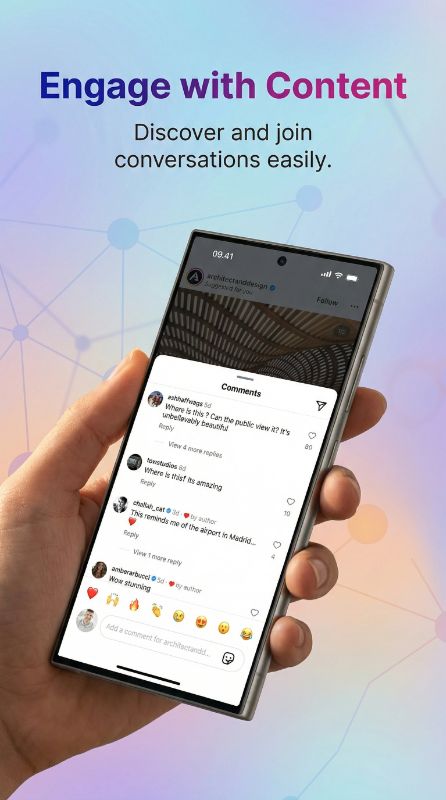
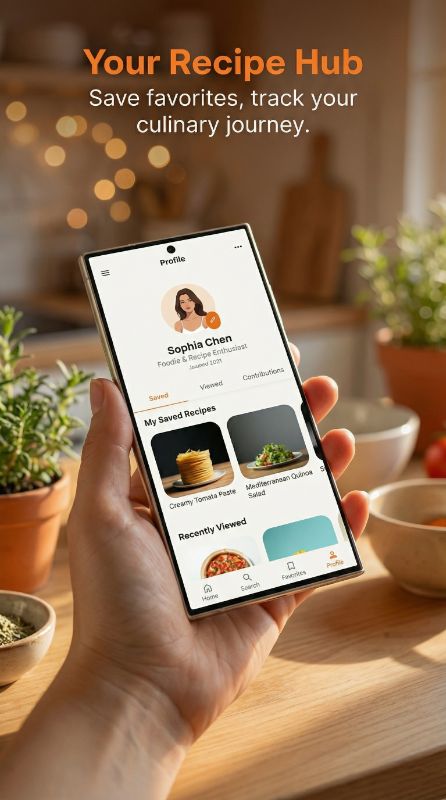
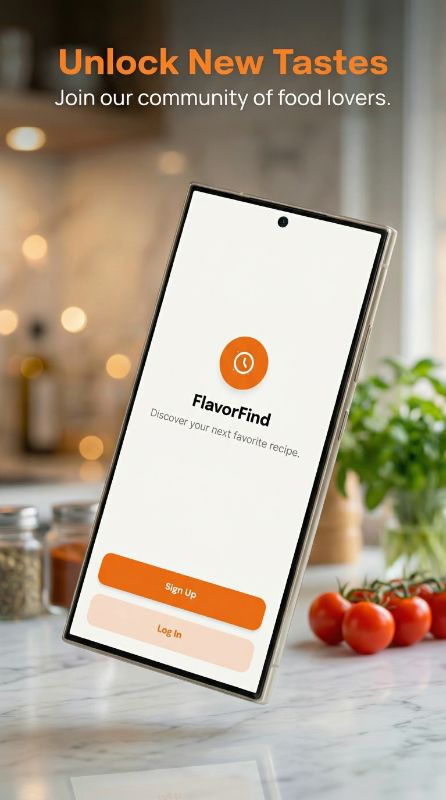
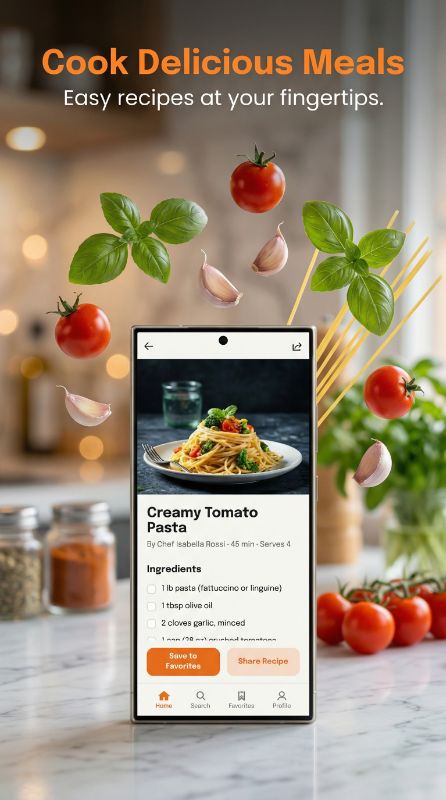
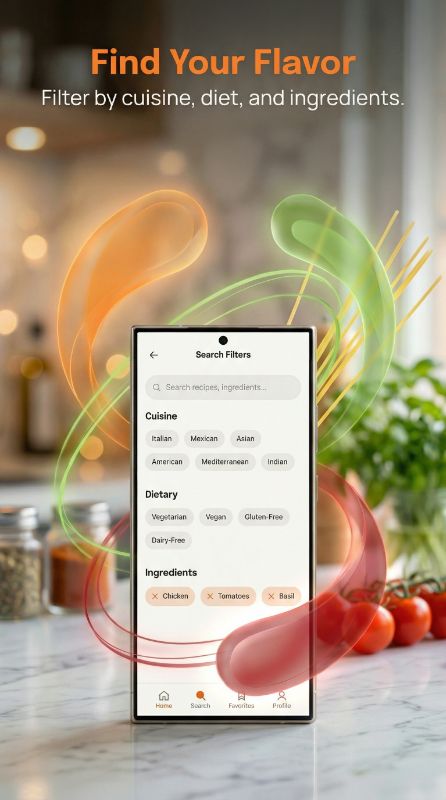
How to Design Games App Screenshots That Convert
Sell the fantasy first, mechanics second. Winning game listings open with bold key art — your hero character, world, or signature moment — overlaid with a punchy hook, then show actual gameplay so players know what they get. Unlike utility apps, games usually drop the device frame to go edge-to-edge, maximizing visual impact. Highlight progression, characters, and social/competitive elements across the set. Keep text short and energetic; players scan, they do not read.
What Top Games Apps Do in Their Screenshots
Top games drop the device frame entirely for full-bleed key art, lead with character or world fantasy, then show real gameplay — text stays short and energetic.


Opens with cinematic, console-quality character and world art that promises spectacle before showing any mechanics.


Uses bright, high-contrast gameplay frames with clear level and progress hooks to convey easy, addictive fun.


Centers its character roster and competitive battle framing to sell the multiplayer hook.
Want screenshots like these for your games app?
You don't need a designer to match this quality. Paste any App Store link into AppMockup and our AI recreates that polished style — device frames, backgrounds, and marketing copy — for your own screenshots in minutes.
Screenshots shown are from each app's public App Store listing and remain © their respective owners, displayed here for educational analysis.
Full-bleed lifestyle
Games compete on visual spectacle. Edge-to-edge, frameless key art fills the entire thumbnail with color and motion, which outperforms device-framed UI shots in this category.
Palette that fits games
Go vivid and high-contrast — saturated colors, dramatic lighting, and bold type. The exact palette follows your genre (neon for arcade, rich fantasy tones for RPGs), but low energy never wins in games.
Why Games Teams Use AppMockup
Everything you need to ship a high-converting games store listing — without a designer.
Ready in 2 minutes
Turn raw games app screens into polished store assets in minutes, not hours of design work.
Store-compliant sizes
Exports the exact App Store and Play Store dimensions automatically, so your listing never gets rejected for size.
AI titles & backgrounds
AI writes games-appropriate headlines and generates on-brand backgrounds tailored to your screens.
Headline Angles That Work for Games Apps
- 1Fantasy hook: "Build your empire"
- 2Challenge: "Can you beat level 100?"
- 3Social: "Battle players worldwide"
- 4Novelty: "Unlike any puzzle you have played"
Games Apps to Study for Inspiration
Top games apps that set the bar for App Store and Play Store screenshots.
Rated by Real AppMockup Users
4.6from 182 user ratingsReal ratings from real usersAverage of 182 in-app ratings from signed-in AppMockup users, collected by our in-app feedback prompt as of November 2026. Every rating counts, including low ones: 5★ 143 · 4★ 20 · 3★ 9 · 2★ 5 · 1★ 5.Games App Screenshot FAQ
Should mobile game screenshots use device frames?
Usually no. Games convert best with full-bleed, edge-to-edge key art that fills the entire thumbnail with color and motion. Device frames suit utility apps; games want maximum visual spectacle.
What should the first game screenshot show?
Lead with your strongest key art — the hero character, world, or signature moment — plus a short, energetic hook. Follow with real gameplay so players know what they are downloading.
How much text should game screenshots have?
Keep it minimal and punchy. Players scan rather than read, so use 2–4 word hooks and let the art carry the message.
How does AppMockup generate app screenshots?
Upload your raw app screenshot and our AI adds the right device frame, a professional background, and marketing copy, then exports a store-ready image. Most mockups are done in under two minutes — no design skills or Figma needed.
Is AppMockup free to use?
Yes. New users get 3 free credits with no credit card and no watermark. Paid plans start at $9.99/month for 25 screenshots, and unused credits roll over for up to 2 months. Cancel anytime.
What sizes does it export for the App Store and Play Store?
AppMockup outputs the correct dimensions automatically — the iPhone 6.9" Large Display (1290×2796) and 6.3" Medium Display (1206×2622), 13" iPad (2048×2732), and iPhone Duo inner + outer displays for the App Store, and 9:16 portrait for Google Play. You never have to look up specs.
Can I edit a screenshot after it is generated?
Yes. You can swap the device frame and download for free. AI-powered changes such as new titles, subtitles, or backgrounds cost 1 credit each because the image is fully regenerated.
Does it support iPhone, iPad and Android devices?
Yes. AppMockup supports the latest iPhone and iPad frames plus Android devices like Samsung Galaxy and Google Pixel, and it can convert iPhone mockups to iPad in one click.
Can I match another app’s screenshot style?
Yes. Paste any App Store or Play Store link and the AI fetches that app’s screenshots, analyzes the colors and layout, and applies the same style to yours.
Start with your platform
Related app categories
Generate for specific devices
Create Games App Screenshots in Minutes
Upload your raw screenshots and let AI generate store-ready games marketing assets — no design skills needed.