
App Store Screenshots for Music & Audio Apps
Music and audio apps sell mood and discovery. Your App Store screenshots should feel like the experience of pressing play — vibrant, personal, and effortless. AppMockup helps you create bold music screenshots that capture the vibe and earn the download.
No credit card required3 free screenshotsNo watermarks
Before & After — Music Screenshots
See how raw screenshots become store-ready music marketing assets
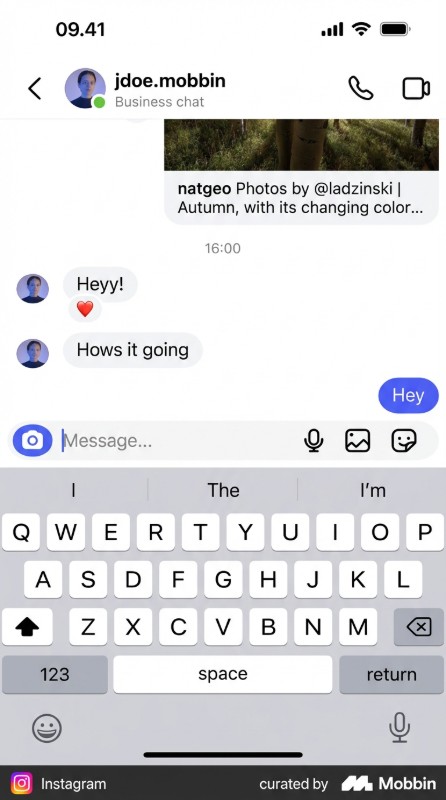
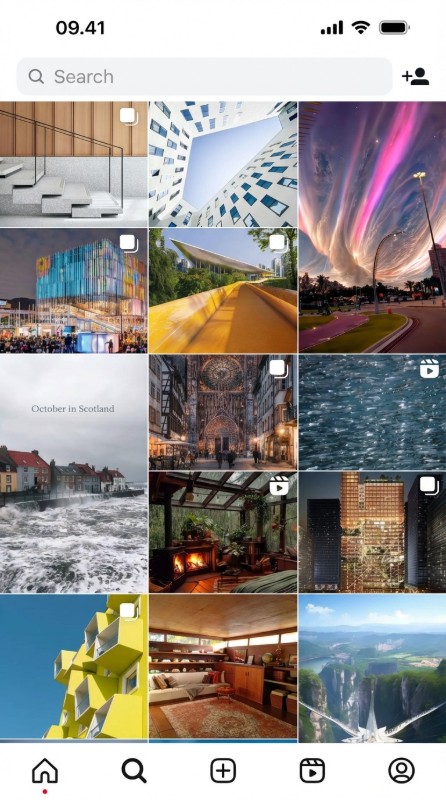
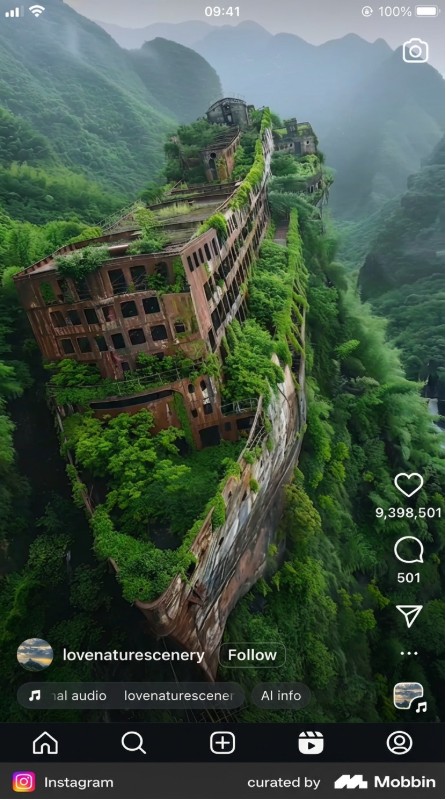
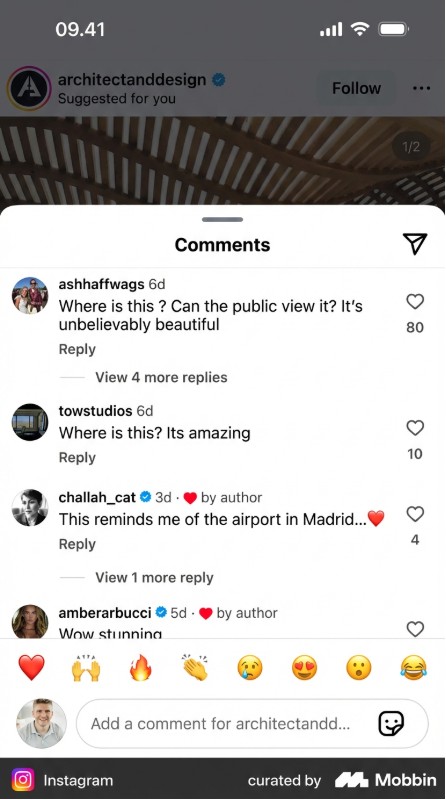
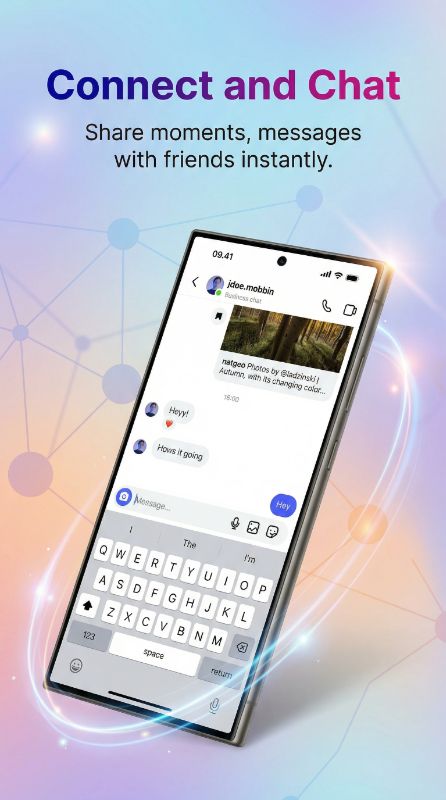
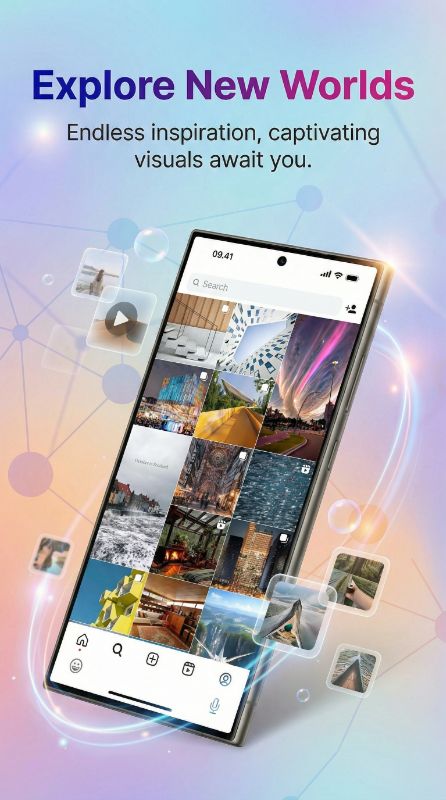
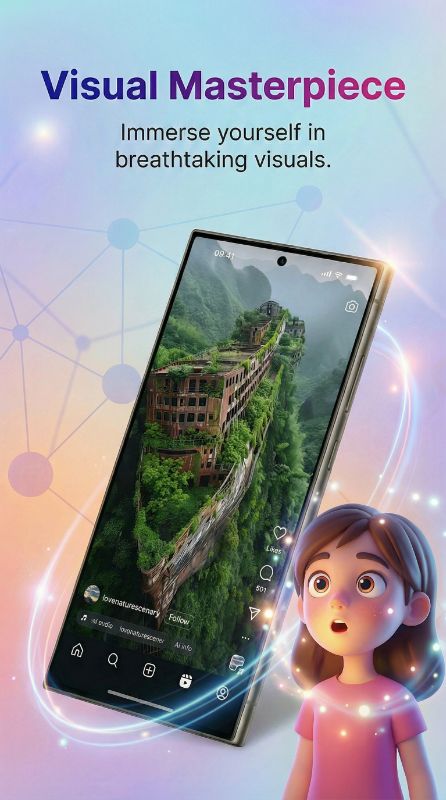
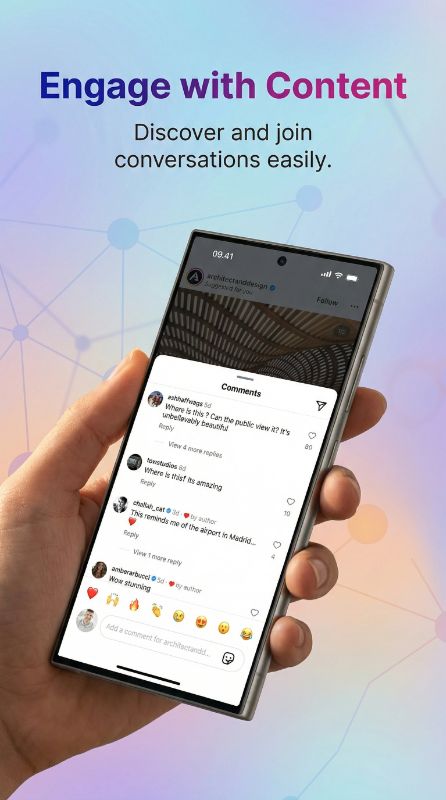
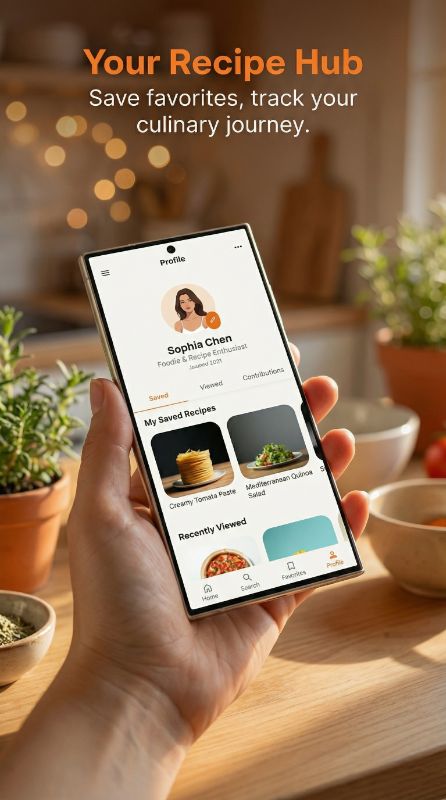
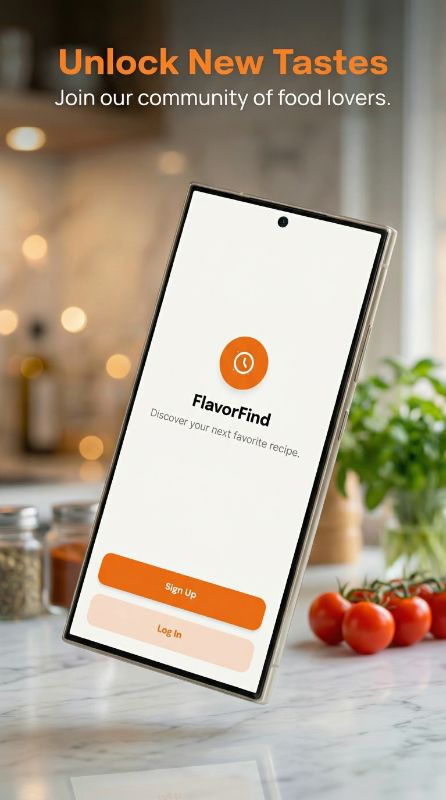
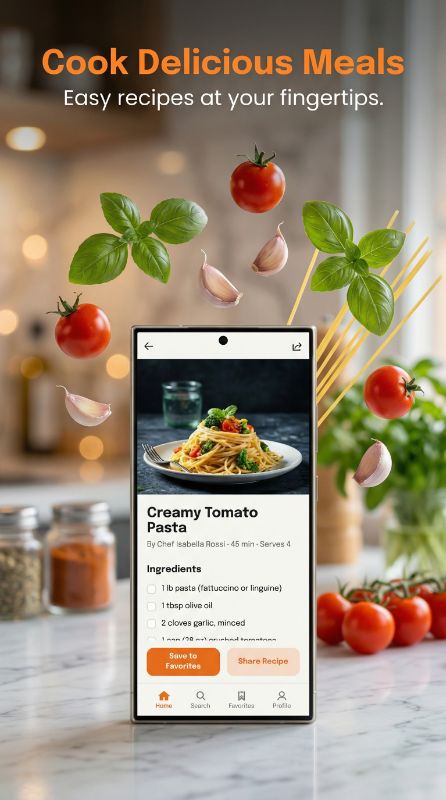
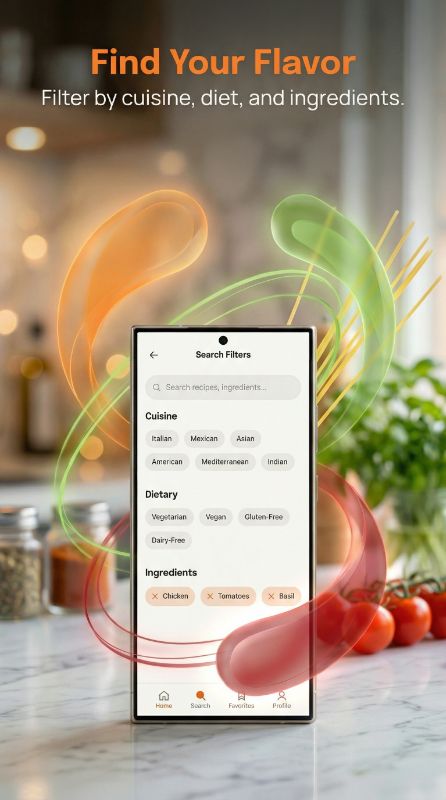
How to Design Music App Screenshots That Convert
Lead with personality and the catalog. Strong music listings open with a bold now-playing or personalized screen and a hook about discovery ("Your soundtrack, made for you"), then show the player, playlists, library, and offline features. Lean on album art and color to set the mood, and highlight what differentiates you — curation, audio quality, podcasts, or social listening. Keep the player UI clean so the artwork does the emotional work.
What Top Music Apps Do in Their Screenshots
Top music apps lean on personalization and bold album artwork over dark backgrounds, selling discovery and mood.


Foregrounds personalized playlists like Wrapped and Daylist with its bold green-on-dark identity.


Highlights lossless and spatial audio with a clean now-playing aesthetic.


Sells a single magic action — identify any song instantly — in one focused frame.
Want screenshots like these for your music app?
You don't need a designer to match this quality. Paste any App Store link into AppMockup and our AI recreates that polished style — device frames, backgrounds, and marketing copy — for your own screenshots in minutes.
Screenshots shown are from each app's public App Store listing and remain © their respective owners, displayed here for educational analysis.
Hybrid
Music is visual and emotional: full-bleed, colorful artwork sets the mood, while device-framed player screens show the real listening experience. Combine vibe with function.
Palette that fits music
Bold, saturated gradients and dark backgrounds make album artwork and equalizer visuals pop, signaling energy and premium audio. Let cover art drive the palette.
Why Music Teams Use AppMockup
Everything you need to ship a high-converting music store listing — without a designer.
Ready in 2 minutes
Turn raw music app screens into polished store assets in minutes, not hours of design work.
Store-compliant sizes
Exports the exact App Store and Play Store dimensions automatically, so your listing never gets rejected for size.
AI titles & backgrounds
AI writes music-appropriate headlines and generates on-brand backgrounds tailored to your screens.
Headline Angles That Work for Music Apps
- 1Personalization: "Your soundtrack, made for you"
- 2Discovery: "Find your next favorite song"
- 3Quality: "Lossless audio, everywhere"
- 4Offline: "Download and listen anywhere"
Music Apps to Study for Inspiration
Top music apps that set the bar for App Store and Play Store screenshots.
Rated by Real AppMockup Users
4.6from 182 user ratingsReal ratings from real usersAverage of 182 in-app ratings from signed-in AppMockup users, collected by our in-app feedback prompt as of November 2026. Every rating counts, including low ones: 5★ 143 · 4★ 20 · 3★ 9 · 2★ 5 · 1★ 5.Music App Screenshot FAQ
What should a music app screenshot emphasize?
Personality and catalog — a bold now-playing or personalized screen with a discovery hook, then the player, playlists, and offline features. Album art and color do the emotional selling.
What background works best for music app screenshots?
Dark backgrounds with bold, saturated gradients make album artwork and visualizers pop and signal premium audio. Let cover art lead the palette.
How do I differentiate a music or podcast app?
Feature your edge — curation, lossless quality, exclusive podcasts, or social listening — on dedicated screens rather than relying on a generic "stream music" message.
How does AppMockup generate app screenshots?
Upload your raw app screenshot and our AI adds the right device frame, a professional background, and marketing copy, then exports a store-ready image. Most mockups are done in under two minutes — no design skills or Figma needed.
Is AppMockup free to use?
Yes. New users get 3 free credits with no credit card and no watermark. Paid plans start at $9.99/month for 25 screenshots, and unused credits roll over for up to 2 months. Cancel anytime.
What sizes does it export for the App Store and Play Store?
AppMockup outputs the correct dimensions automatically — the iPhone 6.9" Large Display (1290×2796) and 6.3" Medium Display (1206×2622), 13" iPad (2048×2732), and iPhone Duo inner + outer displays for the App Store, and 9:16 portrait for Google Play. You never have to look up specs.
Can I edit a screenshot after it is generated?
Yes. You can swap the device frame and download for free. AI-powered changes such as new titles, subtitles, or backgrounds cost 1 credit each because the image is fully regenerated.
Does it support iPhone, iPad and Android devices?
Yes. AppMockup supports the latest iPhone and iPad frames plus Android devices like Samsung Galaxy and Google Pixel, and it can convert iPhone mockups to iPad in one click.
Can I match another app’s screenshot style?
Yes. Paste any App Store or Play Store link and the AI fetches that app’s screenshots, analyzes the colors and layout, and applies the same style to yours.
Start with your platform
Related app categories
Generate for specific devices
Create Music App Screenshots in Minutes
Upload your raw screenshots and let AI generate store-ready music marketing assets — no design skills needed.